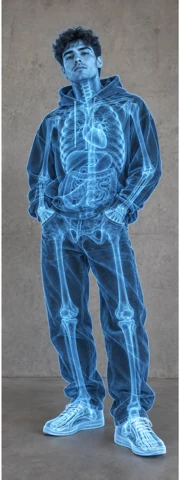
/XRAY · CHATGPT
X-ray illustration
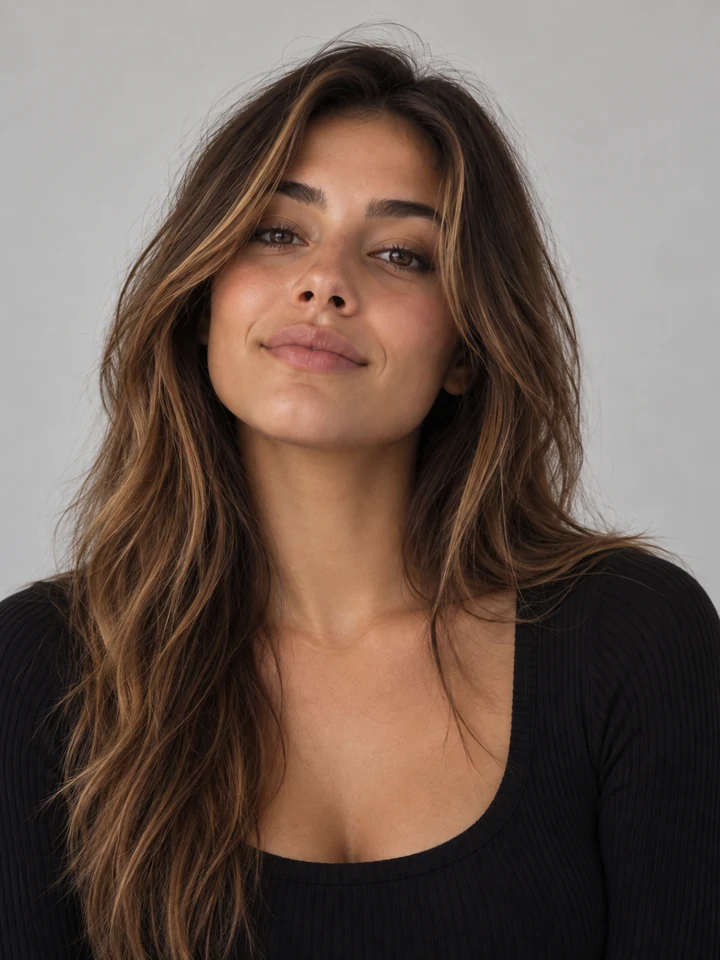
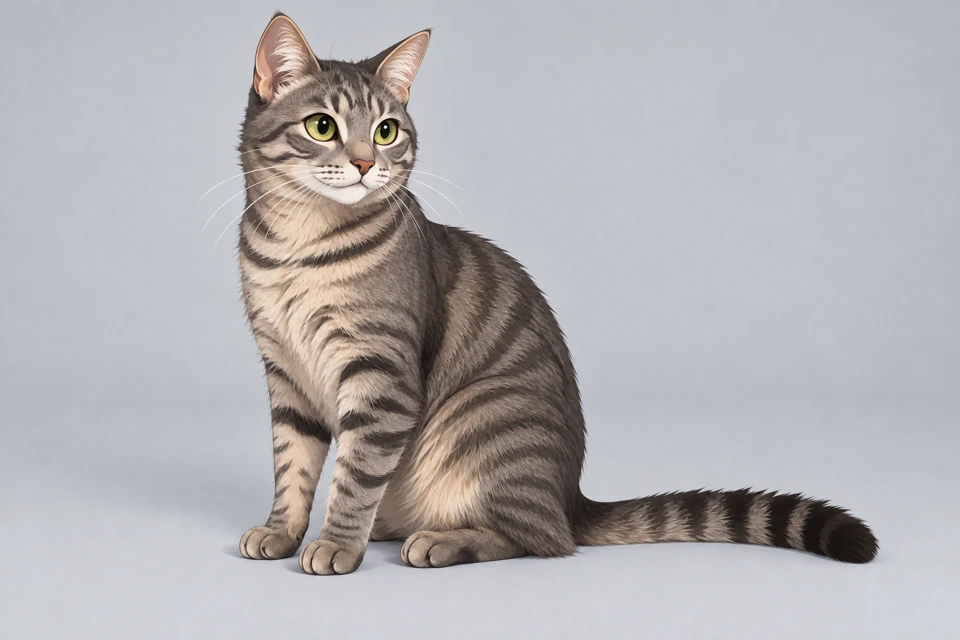
Create a fictional X-ray style illustration. Internal structures are illustrative, not factual.
peoplepets
Explore visual effects. Copy a prompt. Try it with your photo in ChatGPT.
Explore effects ↗A new side of you.
66 effects ↗Big personality. New possibilities.
62 effects ↗Give your product the spotlight.
73 effects ↗Take your ride somewhere new.
66 effects ↗Make every detail delicious.
51 effects ↗One landscape. Many atmospheres.
16 effects ↗See your space differently.
25 effects ↗Featured by our editors. Ready for your curiosity.
Create a fictional X-ray style illustration. Internal structures are illustrative, not factual.
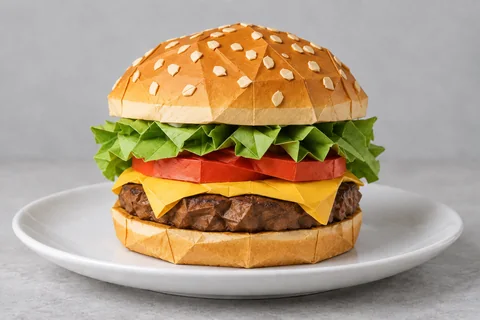
Turn the subject into one freestanding folded-paper sculpture.
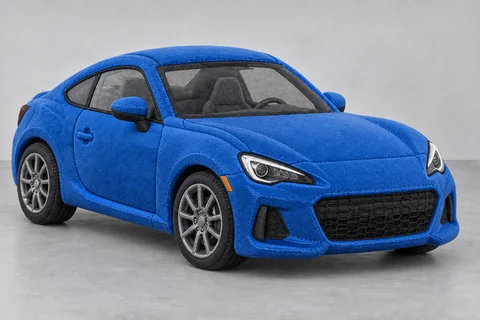
Transform the subject into a soft stuffed plush collectible with short fabric pile, stitched seams and gently simplified rounded construction.
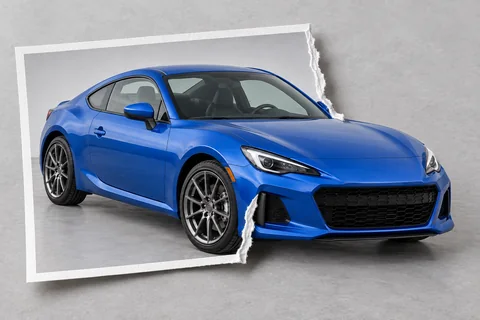
Show a single printed photograph containing the subject, with one continuous part of the subject extending beyond its torn paper edge into the surrounding space.
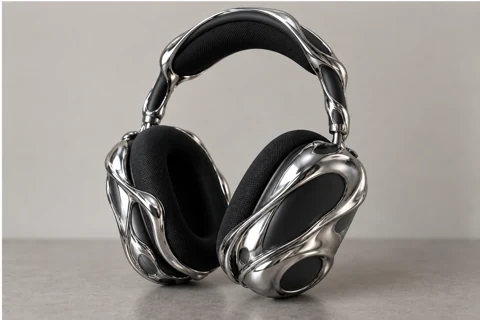
Wrap the subject in flowing polished metal while keeping its silhouette.
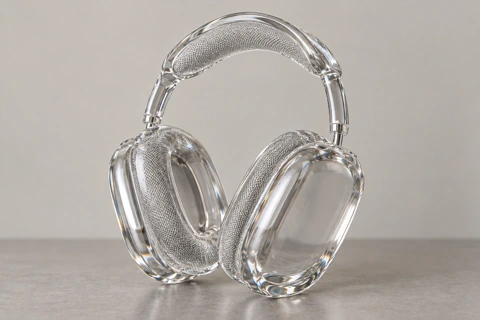
Reimagine the subject as a transparent glass sculpture, with clear edges and refraction.
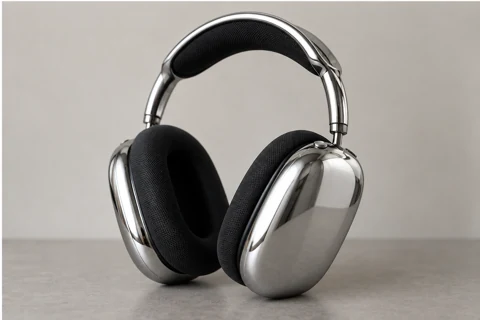
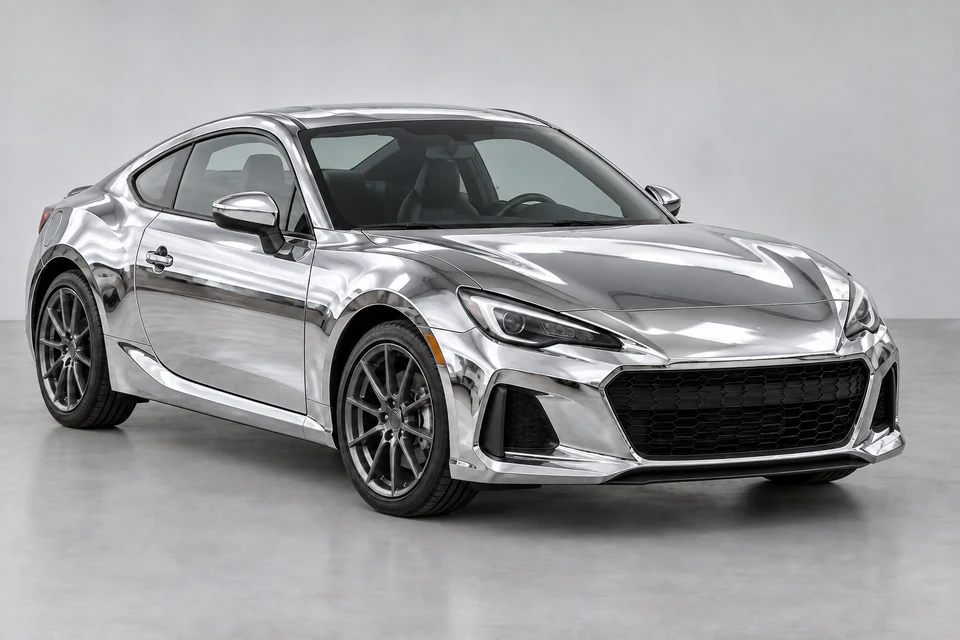
Apply a polished chrome surface while retaining recognizable shapes.
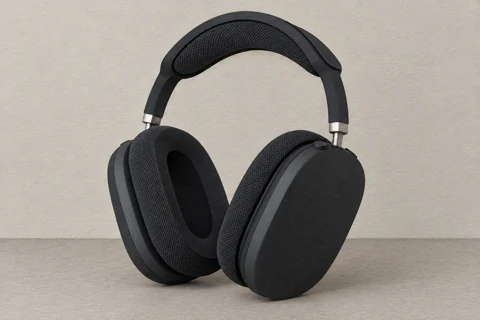
Build the subject from layered cut paper, with clean edges and soft shadows.
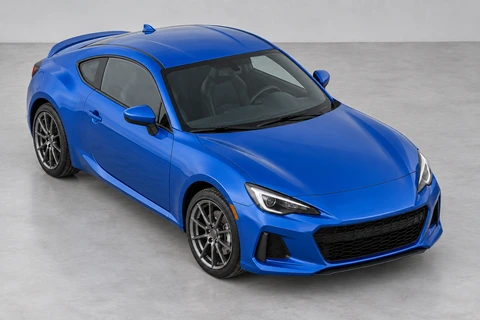
High-angle vehicle photograph. One still image from a supplied vehicle photo.
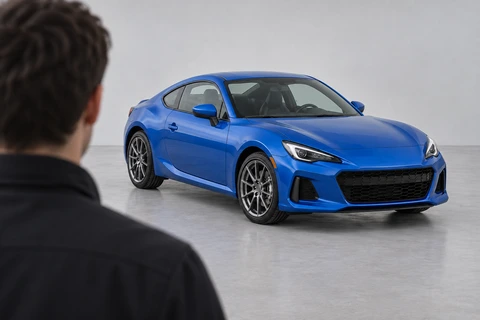
Over-the-shoulder vehicle view. One still image from a supplied vehicle photo.
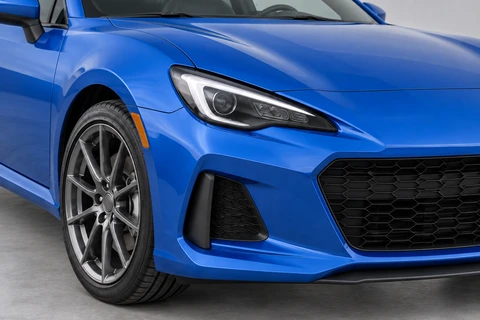
Recognizable vehicle detail close-up. One still image from a supplied vehicle photo.
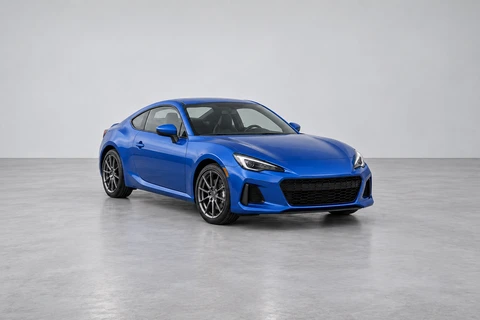
Rectilinear wide-angle vehicle photograph. One still image from a supplied vehicle photo.
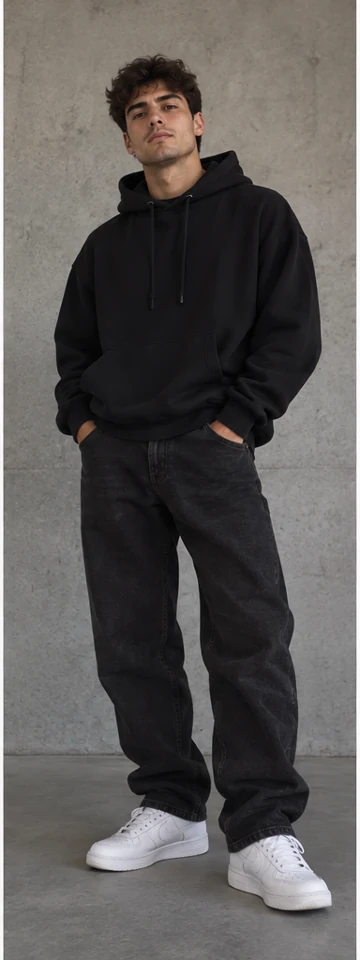
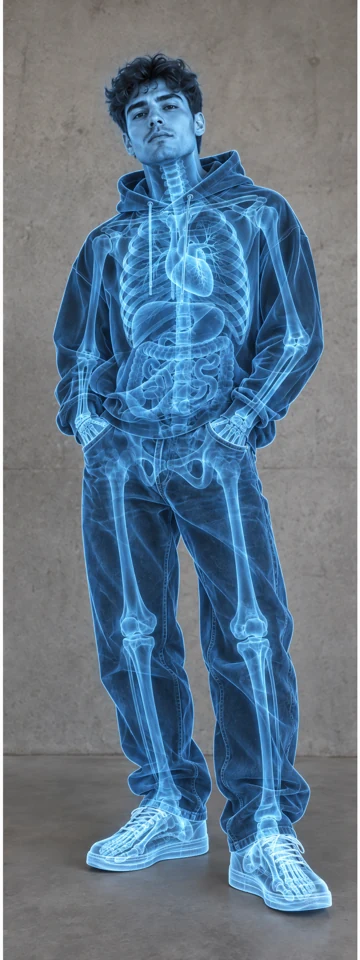
Fictional / illustrative X-ray effect. Not a factual or medical scan.
TRY AI FX is a visual prompt library. Browse by subject or search an effect, inspect its Before / After, and copy the full recipe to try with your own photo in ChatGPT. This website does not upload or transform your photo.
Compare the source and result. Read the input advice and limits for that effect.
Use the Copy recipe button. A short code such as /CHROME is our label, not an official ChatGPT command.
Open ChatGPT and attach a photo you own or have permission to edit. Image tools and limits depend on your account.
Paste the full prompt. Replace example-specific details with your subject, background and intended change.
Compare identity, text and proportions with the original. Request a focused correction if needed; a successful example is not a guarantee.
A material change, a new viewpoint and a relighting study ask different things of your source photo. Start with one clear goal, keep the original for comparison and inspect the details that define your subject.