
/CUTOUT · CHATGPT
Clean background
Isolate the subject against a clean neutral background, preserving fine edges.
productsfood
Change only the selected surface color and retain its texture, lighting and geometry.
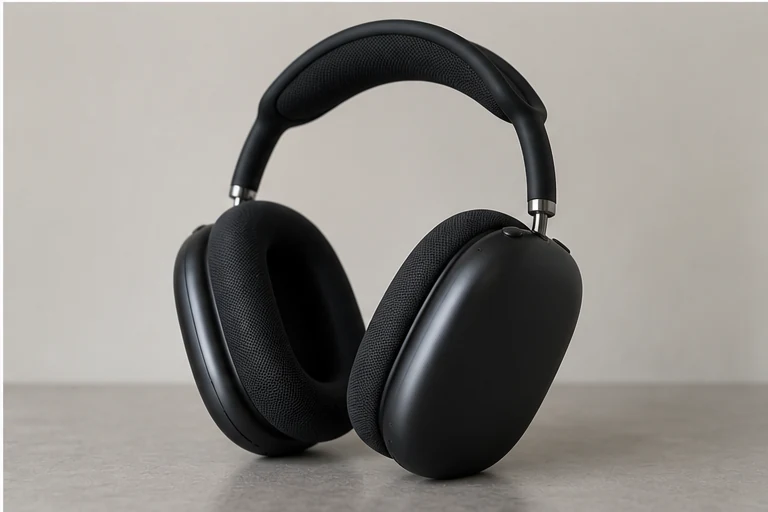
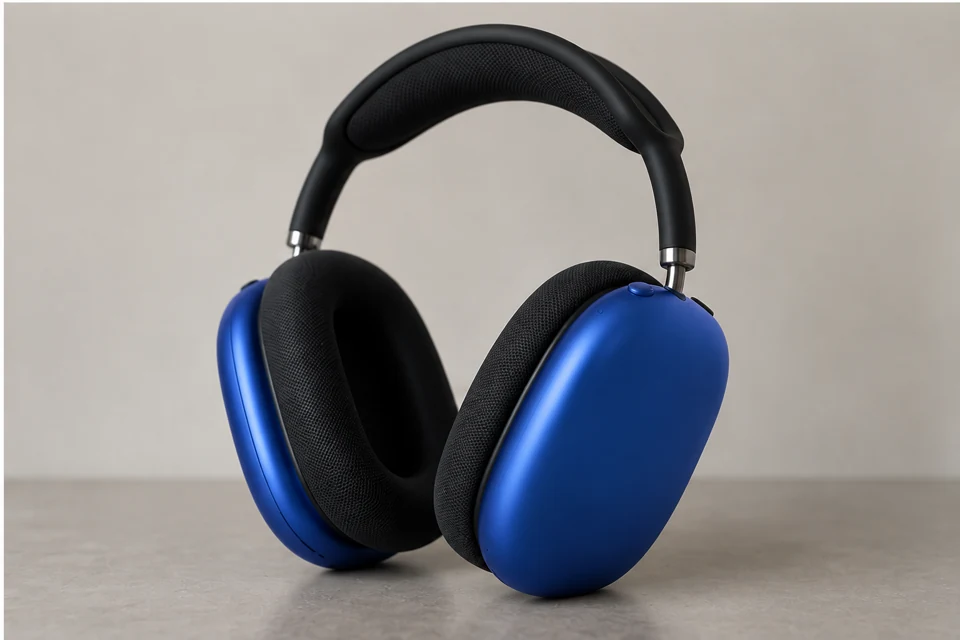
Name one visible surface and its target color, leaving material and lighting unchanged.
Change only the selected surface color and retain its texture, lighting and geometry.
Recognizable identity, silhouette and important visible details. Compare the output to the original before using it.
Define the target surface by its physical boundaries, such as a body panel or fabric section. That gives a clearer instruction than changing every pixel of a named color, which might also affect reflections or nearby objects.
Inspect the boundary between colored and protected materials. If texture disappears, ask to retain the original surface relief while changing hue only. Compare a single alternative first before building a larger range of options.
/COLORWAY — A multi-panel color study helps compare several choices, but adds panel-to-panel consistency checks.
These are editing suggestions, not additional test observations. Read the practical guide or use the before/after checklist.
Useful for comparing color options. Inspect neighboring areas for color spill and check that texture has not been replaced along with hue.
Input advice and use cases are editorial guidance, not additional test results.
Only hard cups become cobalt blue while black padding/headband retained; minor specular differences.
2026-09-20 · Work built-in image_gen
Only sofa upholstery changes to terracotta; other furniture and setting remain recognizable.
2026-09-24 · Work built-in image_gen
These notes describe the named runs, which may use a different subject from the comparison above. They do not guarantee results on another input or a future model. See our testing method.
Isolate the subject against a clean neutral background, preserving fine edges.
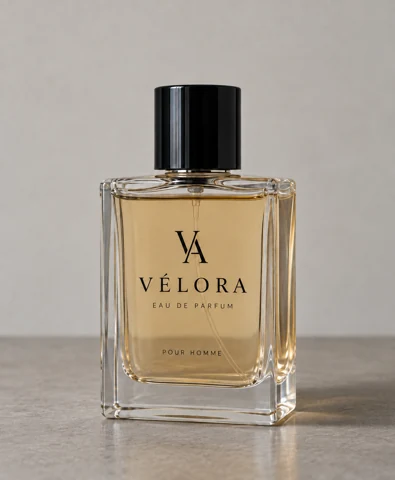
Add a grounded contact shadow matching the light direction without altering the product.
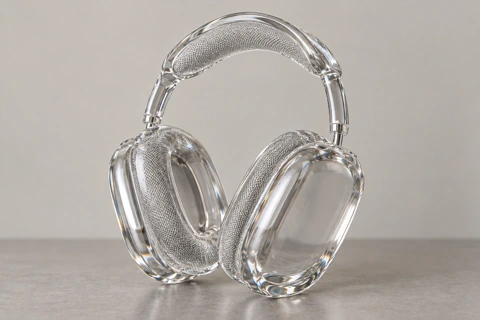
Reimagine the subject as a transparent glass sculpture, with clear edges and refraction.
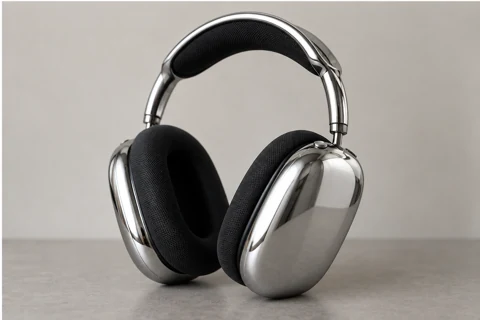
Apply a polished chrome surface while retaining recognizable shapes.