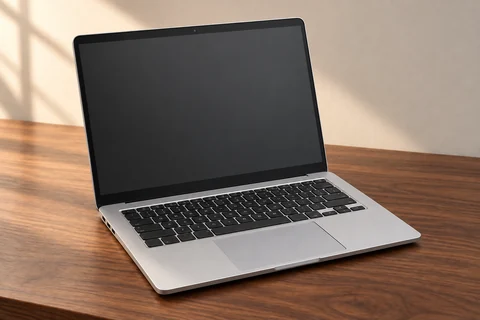
/DEVICEMOCKUP · CHATGPT
Device presentation mockup
Stage the same device in a restrained editorial workspace.
products
Place your supplied interface into a supplied device screen.
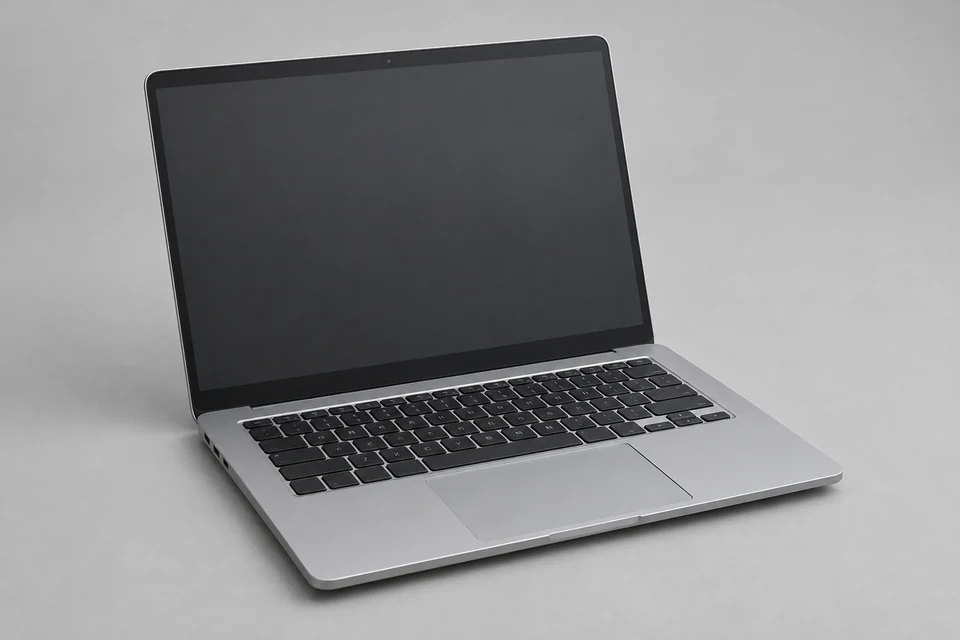
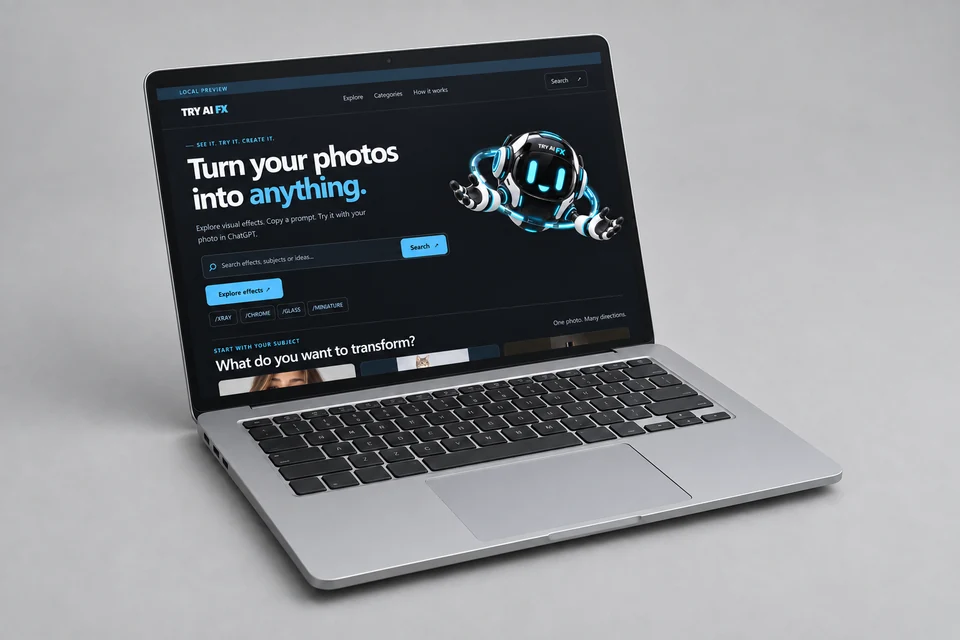
Actual local capture supplied. Essential brand, headline, navigation and CTA remain recognizable. Small text softens and mascot details drift inside the screen; illustrative mockup, not pixel-exact UI or approved ORB artwork. All supplied inputs are shown below. One accepted test; not Verified. The screen contains LOCAL PREVIEW. This example is not selected as a primary promotional image for TRY AI FX.
Multi-image edit. The Before view shows input 1; all source images below were supplied together.
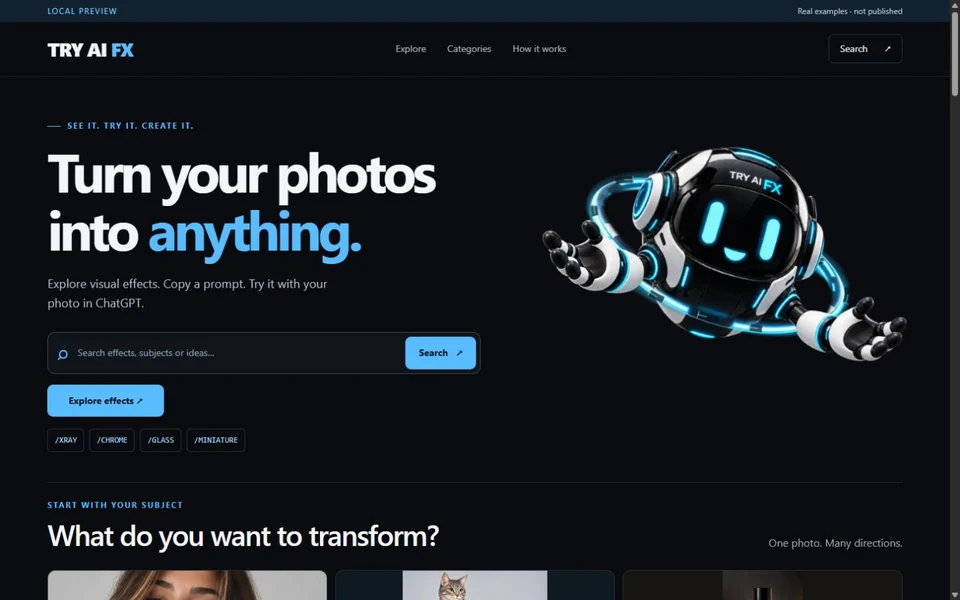
Upload two images in order: the complete device photo, then a clean screenshot of an interface you own, without private data or browser chrome.
Place your supplied interface into a supplied device screen.
Uses a real local website capture. Perspective rendering may soften small text; this is an illustrative screen mockup, not a pixel-exact UI export.
The supplied interface should stay inside the display plane and preserve its important hierarchy. Perspective can soften small text, so a convincing device scene is not a substitute for a pixel-exact UI capture.
Check screen corners and readable headings. If details smear, use a more frontal view or a larger display area. Do not invent functional states that are absent from the source.
/DEVICEMOCKUP — A blank-screen staging concept is preferable when interface fidelity is not part of the task.
These are editing suggestions, not additional test observations. Read the practical guide or use the before/after checklist.
Place your supplied interface into a supplied device screen. Uses a real local website capture. Perspective rendering may soften small text; this is an illustrative screen mockup, not a pixel-exact UI export.
Input advice and use cases are editorial guidance, not additional test results.
Actual local capture supplied. Essential brand, headline, navigation and CTA remain recognizable. Small text softens and mascot details drift inside the screen; illustrative mockup, not pixel-exact UI or approved ORB artwork.
2026-09-24 · Work built-in image_gen
These notes describe the named runs, which may use a different subject from the comparison above. They do not guarantee results on another input or a future model. See our testing method.