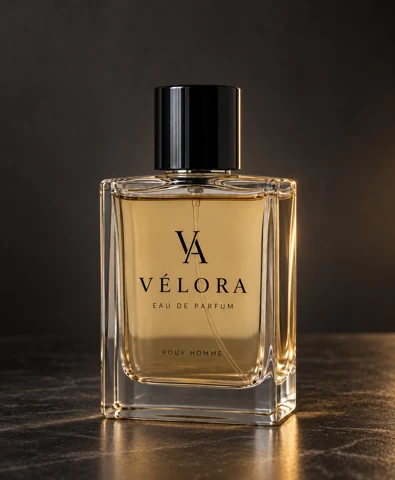
/LUXURY · CHATGPT
Luxury product hero
Build a restrained premium studio setting around the product with controlled light and material contrast.
productsfood
Stage the same device in a restrained editorial workspace.
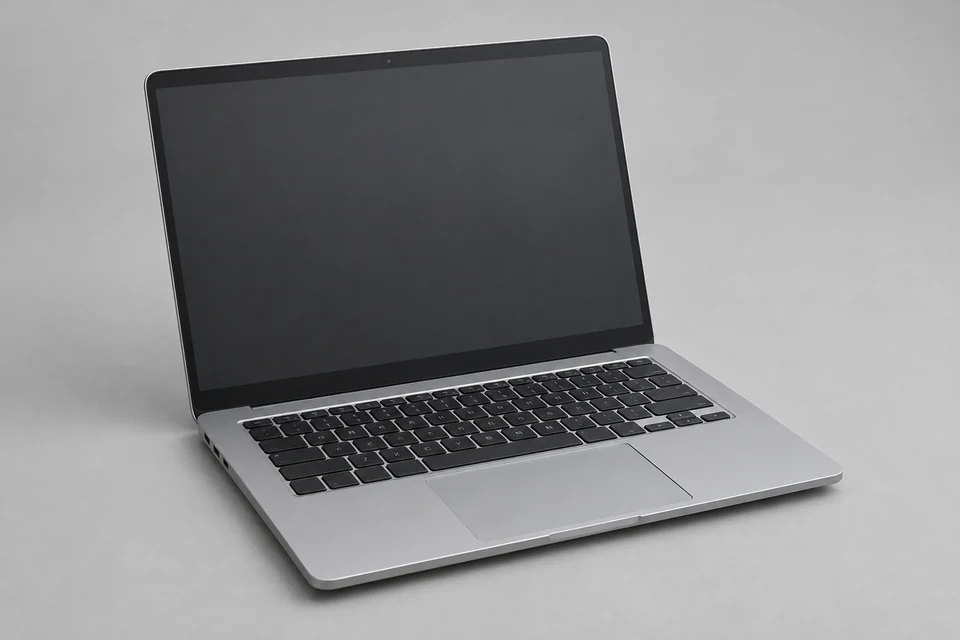
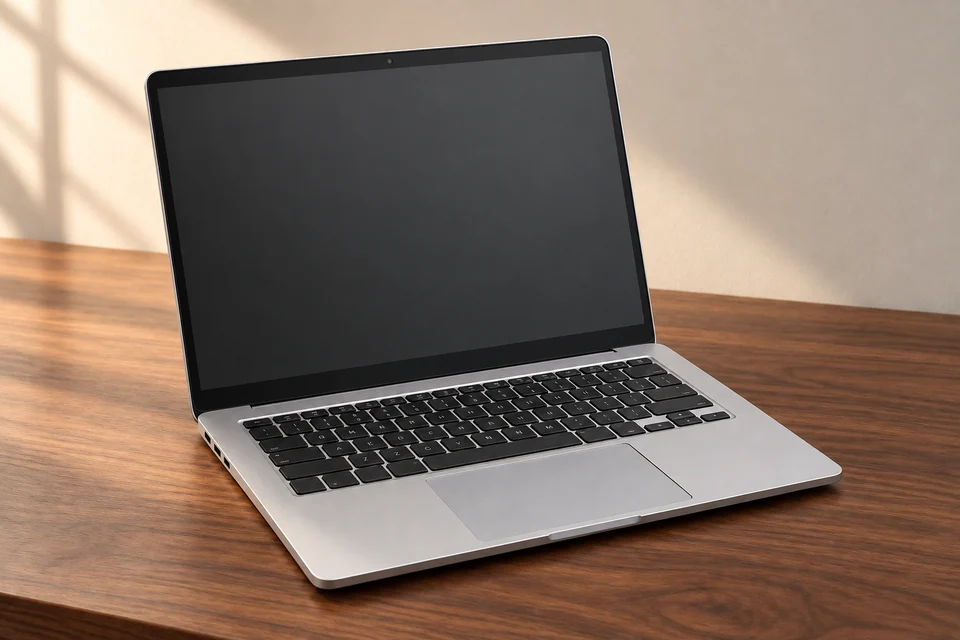
Device silhouette, camera, keyboard and blank screen preserved; coherent walnut desk and soft light. One accepted test; not Verified.
Upload a clear unbranded device photograph with its complete screen, keyboard and outer edges visible.
Stage the same device in a restrained editorial workspace.
Fictional device staging. The blank screen is deliberate; use SCREENMOCKUP when supplying an actual interface.
A restrained workspace should support the device rather than invent an interface on its blank screen. Keep ports, hinge and keyboard shape recognizable where visible.
Inspect reflected light and screen boundaries. If the device becomes generic, simplify desk props and restore its distinctive edges. This is a staging concept, not evidence of product features.
/SCREENMOCKUP — Use a supplied interface when actual screen content is central to the mockup.
These are editing suggestions, not additional test observations. Read the practical guide or use the before/after checklist.
Stage the same device in a restrained editorial workspace. Fictional device staging. The blank screen is deliberate; use SCREENMOCKUP when supplying an actual interface.
Input advice and use cases are editorial guidance, not additional test results.
Device silhouette, camera, keyboard and blank screen preserved; coherent walnut desk and soft light.
2026-09-24 · Work built-in image_gen
These notes describe the named runs, which may use a different subject from the comparison above. They do not guarantee results on another input or a future model. See our testing method.