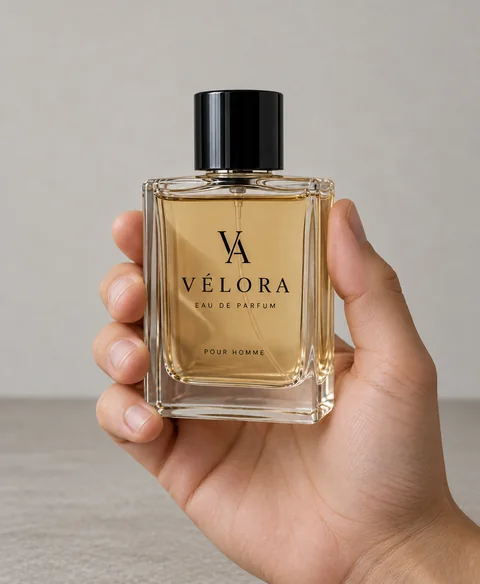
/INHAND · CHATGPT
Product in hand
Show the unchanged product being naturally held or supported by one anatomically correct human hand in a simple lifestyle setting.
products
Place a separately supplied product into your supplied room photograph.
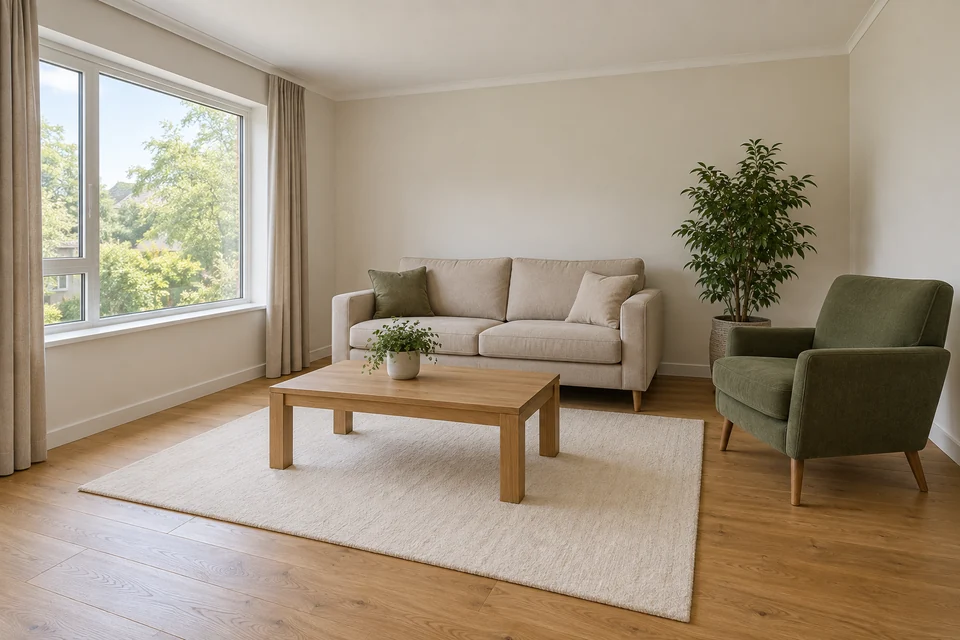
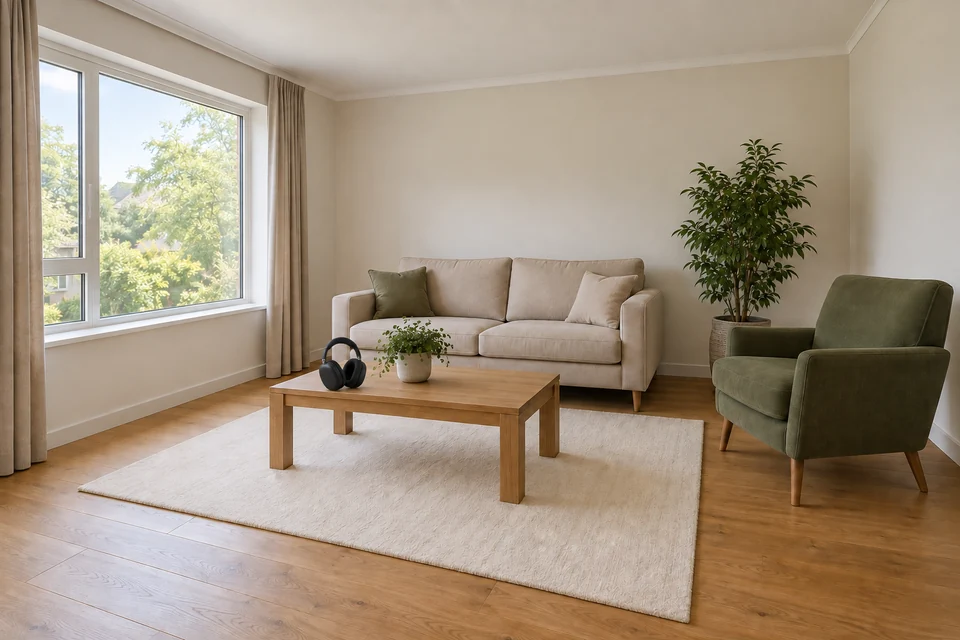
Both inputs used; recognizable headphones sit on the supplied table with coherent shadow. Fine product detail and scale are illustrative. Both supplied inputs are shown below. One accepted test; not Verified.
Multi-image edit. The Before view shows input 1; all source images below were supplied together.
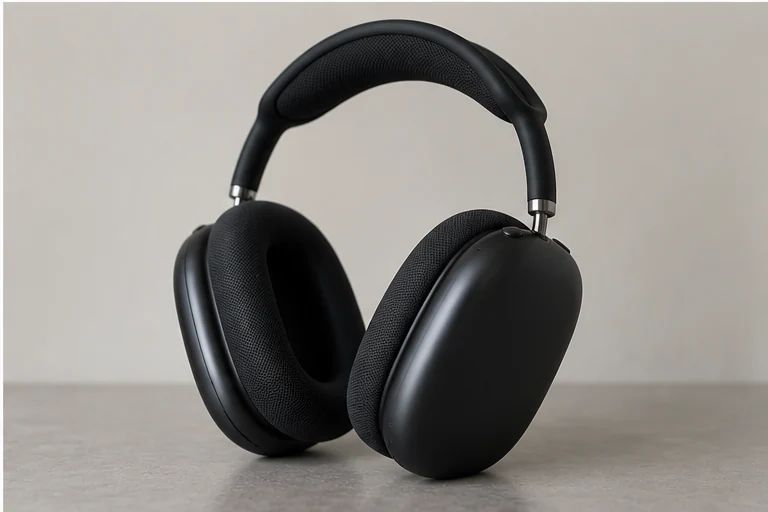
Input 1: the target room photograph. Input 2: an owned product photo with its complete silhouette visible.
Place a separately supplied product into your supplied room photograph.
Requires two inputs: target environment, then product. Illustrative placement; no measured size or fit claim.
Supply the target room and product in the documented order. Lighting, perspective and contact shadows must connect the two sources; a good cutout alone does not make placement convincing.
Compare the product's geometry with its own source after insertion. If scale is uncertain, describe a visual relationship rather than an exact measurement. The composite does not verify fit.
/BACKGROUNDREPLACE — An invented setting is an alternative when no specific room photograph needs to be preserved.
These are editing suggestions, not additional test observations. Read the practical guide or use the before/after checklist.
Place a separately supplied product into your supplied room photograph. Requires two inputs: target environment, then product. Illustrative placement; no measured size or fit claim.
Input advice and use cases are editorial guidance, not additional test results.
Both inputs used; recognizable headphones sit on the supplied table with coherent shadow. Fine product detail and scale are illustrative.
2026-09-24 · Work built-in image_gen
These notes describe the named runs, which may use a different subject from the comparison above. They do not guarantee results on another input or a future model. See our testing method.