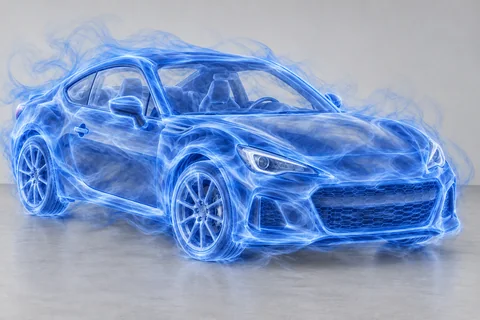
/SMOKE · CHATGPT
Sculpted smoke
Form the subject from coherent volumetric smoke ribbons, retaining a clearly readable silhouette and defining facial or object features.
carspeople
Show the same dish cleanly cut into two halves with a small separation revealing the recognizable ingredient layers.
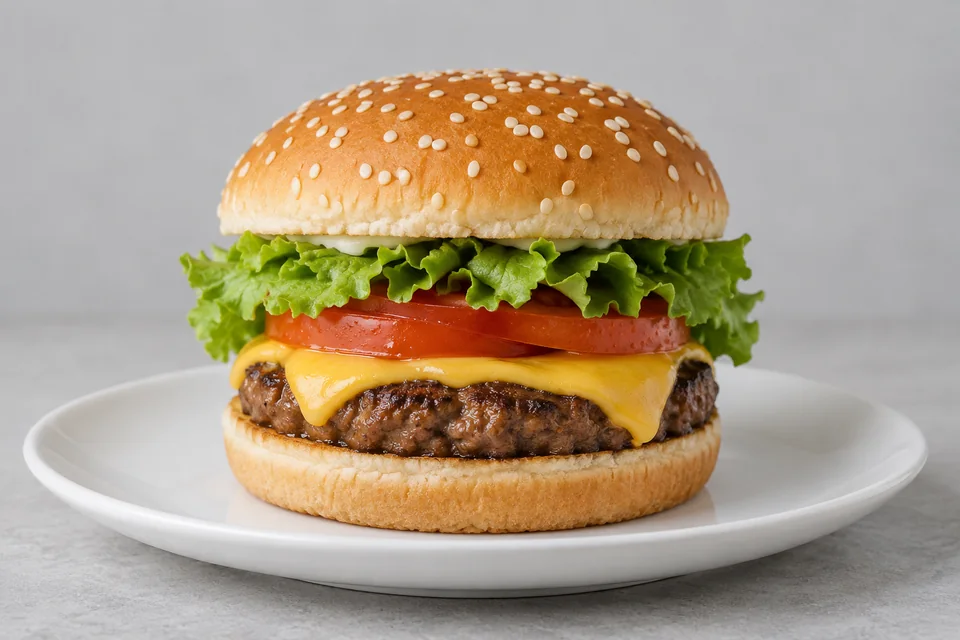
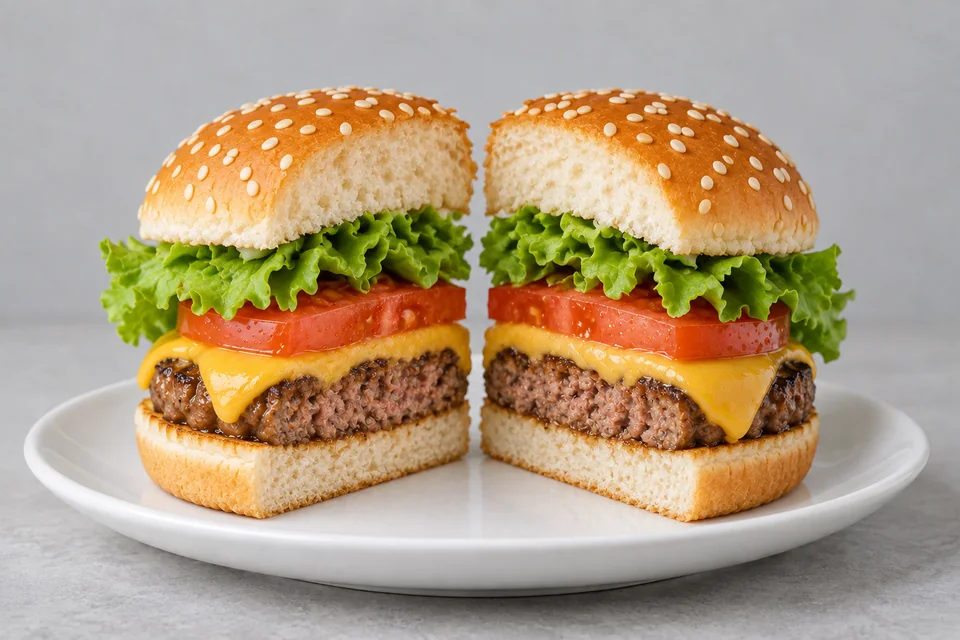
AI-generated illustrative transformation. Source created internally. Unseen details are synthesized, not factual documentation.
Use layered food whose visible ingredients can guide a plausible cut.
Show the same dish cleanly cut into two halves with a small separation revealing the recognizable ingredient layers.
Compare subject count, recognizable identity, proportions and text against the original. Deliberate transformations are described in the prompt.
A cut surface should reveal a plausible ordering of visible ingredients while keeping the outer dish recognizable. The source cannot confirm hidden layers, so supply those details yourself when accuracy matters.
Inspect the cut boundary for duplicated fillings and unsupported ingredients. Reduce complexity if layers merge into an unreadable mass. Avoid treating the generated interior as nutritional or ingredient evidence.
/FOODSTACK — Separated layers offer a clearer diagram-like view when a realistic cut face becomes too crowded.
These are editing suggestions, not additional test observations. Read the practical guide or use the before/after checklist.
Useful for a cut-food illustration. A single source cannot prove hidden ingredients; keep the recognizable layers and avoid treating invented interior detail as factual.
Input advice and use cases are editorial guidance, not additional test results.
Two halves of one burger expose coherent layers; no duplicate whole burger.
2026-09-20 · Work built-in image_gen
These notes describe the named runs, which may use a different subject from the comparison above. They do not guarantee results on another input or a future model. See our testing method.
Form the subject from coherent volumetric smoke ribbons, retaining a clearly readable silhouette and defining facial or object features.
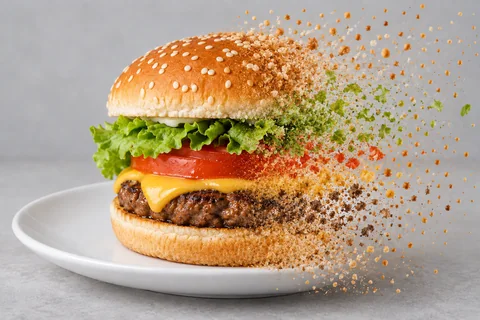
Keep most of the subject intact and recognizable while one outer side progressively dissolves into thousands of small particles moving laterally.

Keep the subject recognizable while it emerges partly through one luminous architectural portal.
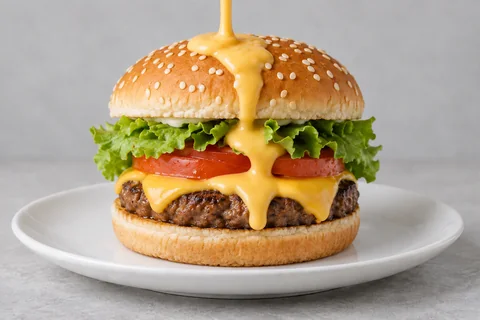
Show one controlled stream of your chosen style being poured onto the original dish from just outside the top of frame.